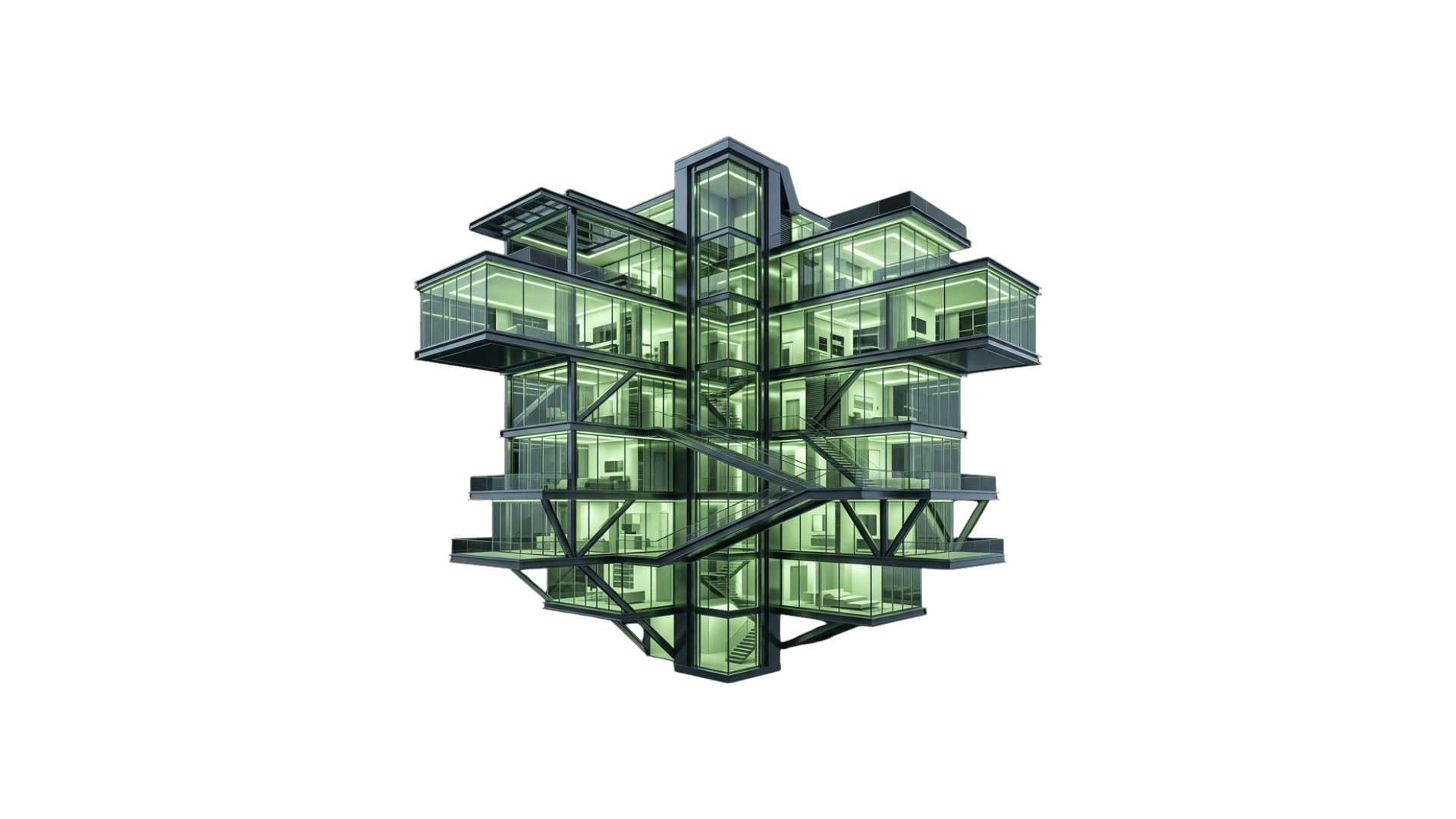
PHASE 01
Pre-Alpha
Closed testing is underway while the sync layer is validated with invited users and internal production scenes.
SYNCING NOW65%
The bridge between architectural geometry and photorealistic rendering. Fast to learn, precise in production, and built for real project reviews.
A clear rollout from closed pre-alpha sync testing to broader access, followed by the next wave of workflow improvements.
Closed testing is underway while the sync layer is validated with invited users and internal production scenes.
A limited rollout for a small group of users to pressure-test the workflow in real project conditions.
Broader public access opens once alpha feedback hardens the sync experience across more teams.
Post-beta releases expand the platform with fresh tools, workflow automation, and quality-of-life improvements.
Install the plugin in your SketchUp workspace and get productive in minutes.
Download the latest plugin package and choose the version that matches your SketchUp setup.
Go to Window > Extension Manager in SketchUp to manage and install your extensions.
Click 'Install Extension', select your RBZ file, and restart SketchUp to initialize KuunAi.
Create a real-time connection between your model and the KuunAi render engine. Changes appear instantly without exports.
Map SketchUp surfaces to high-fidelity KuunAi materials and control gloss, displacement, and Fresnel from one place.
"Use the 'Z' shortcut to quickly toggle the visual panel inside SketchUp."
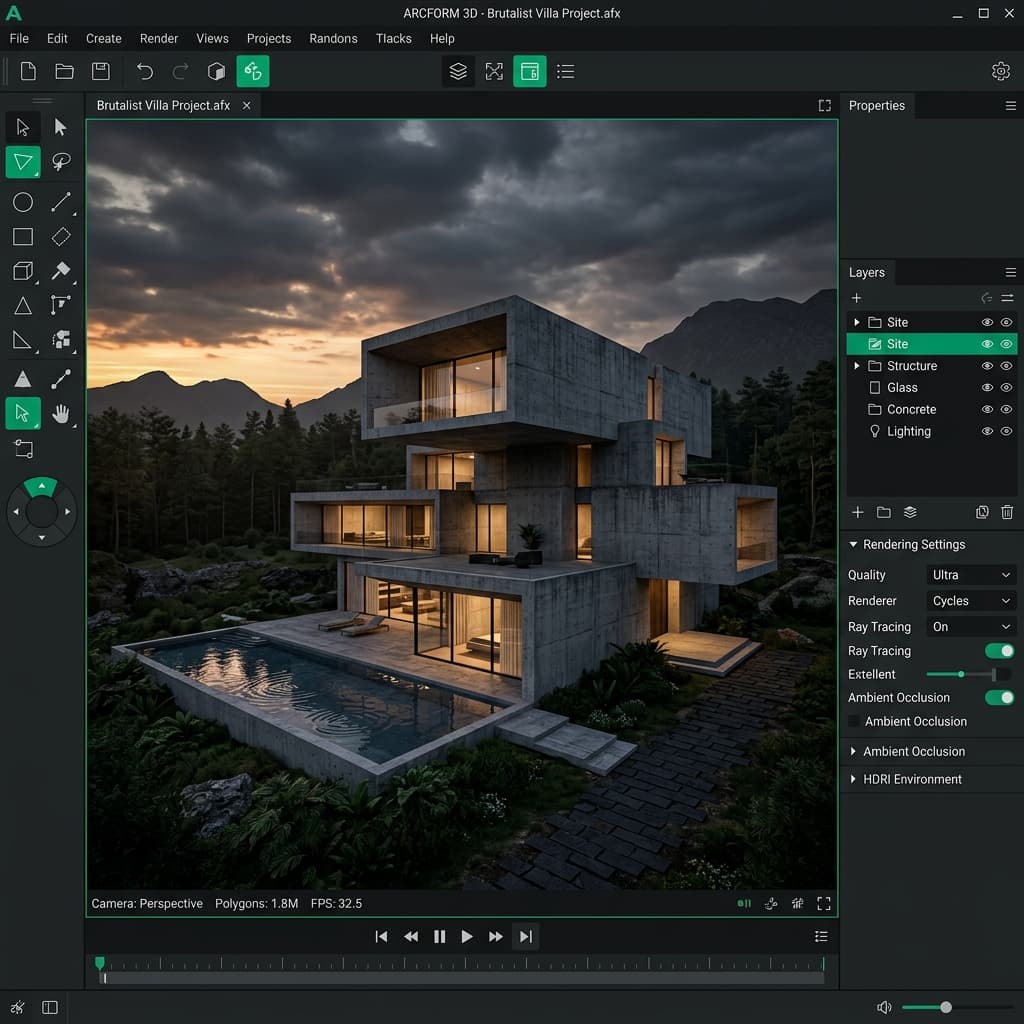
Feedback from teams helping shape the next version of the SketchUp workflow.
"The speed of Live Sync for SketchUp is transformative. It no longer feels like rendering; it feels like decision-making in real time."
Principal Architect, Outlaw Design
"Material mapping is where KuunAi wins. The RBZ package installs in seconds and the workflow feels production-ready right away."
Lead CG Artist, Cyberdyne